Plugins
SSG dashboard plugins are signed UI extensions that mount inside the SSG dashboard. They let anyone ship a new tab — a metrics view, an integration console, a custom workflow surface — without forking the core SSG binary.
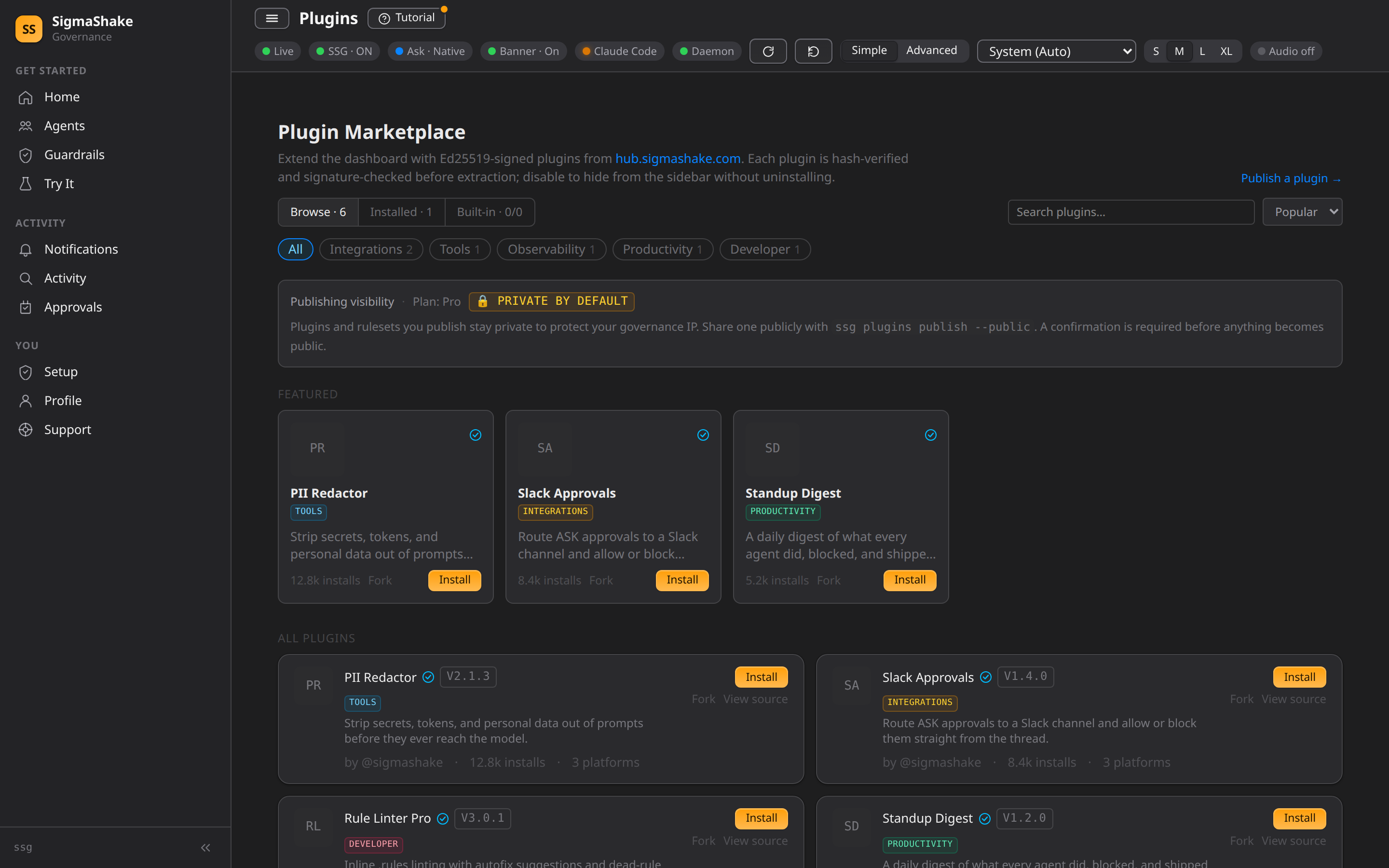
A plugin is just a tarball containing:
my-plugin/
├── plugin.json     ← manifest (id, version, signature, nav entries)
└── dist/
    ├── index.html
    ├── app.js
    └── style.css
When a user installs a plugin via ssg plugins install <id> or the in-app
marketplace, the daemon:
- Fetches the manifest and the tarball over HTTPS
- Verifies SHA-256 of the artifact matches the manifest claim
- Verifies an Ed25519 signature over that hash against the publisher's pubkey
- Cross-checks the publisher's pubkey against the hub-recorded fingerprint
- Extracts the tarball into
~/.sigmashake/plugins/<id>/atomically
Plugins then load at http://127.0.0.1:5599/plugins/<id>/ inside the dashboard.
The SSG daemon injects window.__SSG_PLUGIN_CONFIG__ so the plugin can call
back into /api/json/* with the dashboard token.
Who plugins are for
- Internal teams that want to expose a custom integration panel to their AI agents without forking SSG.
- OSS authors who want to ship a niche tool (a custom rule profiler, an observability board, a productivity nudge) that not every SSG user needs.
- Companies building integrations against SSG telemetry (SIEM dashboards, cost analyzers, audit reports).
What ships in v1
| Capability | Status |
|---|---|
Static UI bundle served at /plugins/<id>/ | ✓ |
| Ed25519-signed tarballs | ✓ |
| Sidebar nav contributions | ✓ |
| Dashboard token injection | ✓ |
| Hub marketplace listing + install | ✓ |
ssg plugins init/build/publish CLI | ✓ |
| Server-side endpoints from plugins | ✗ (v2) |
| Permission/capability prompts | ✗ (v2) |
| iframe sandbox isolation | ✗ (v2) |
Today's plugins are UI-only. They can call SSG's existing
/api/json/* endpoints and any remote API, but they can't register new
server-side routes. Server-extending plugins land in v2 with an explicit
capability manifest and install-time permission prompt.
Getting started
Start with Getting Started to scaffold and publish your first plugin in under five minutes.
Reference
- Manifest reference — every
plugin.tomlandplugin.jsonfield - Trust model — how signatures and content hashes anchor install-time verification
- Publishing — GitHub Releases + hub submission flow
- Examples — minimal and real-world plugin templates